Slitter Scorer Setup for Consistent Box Blanks
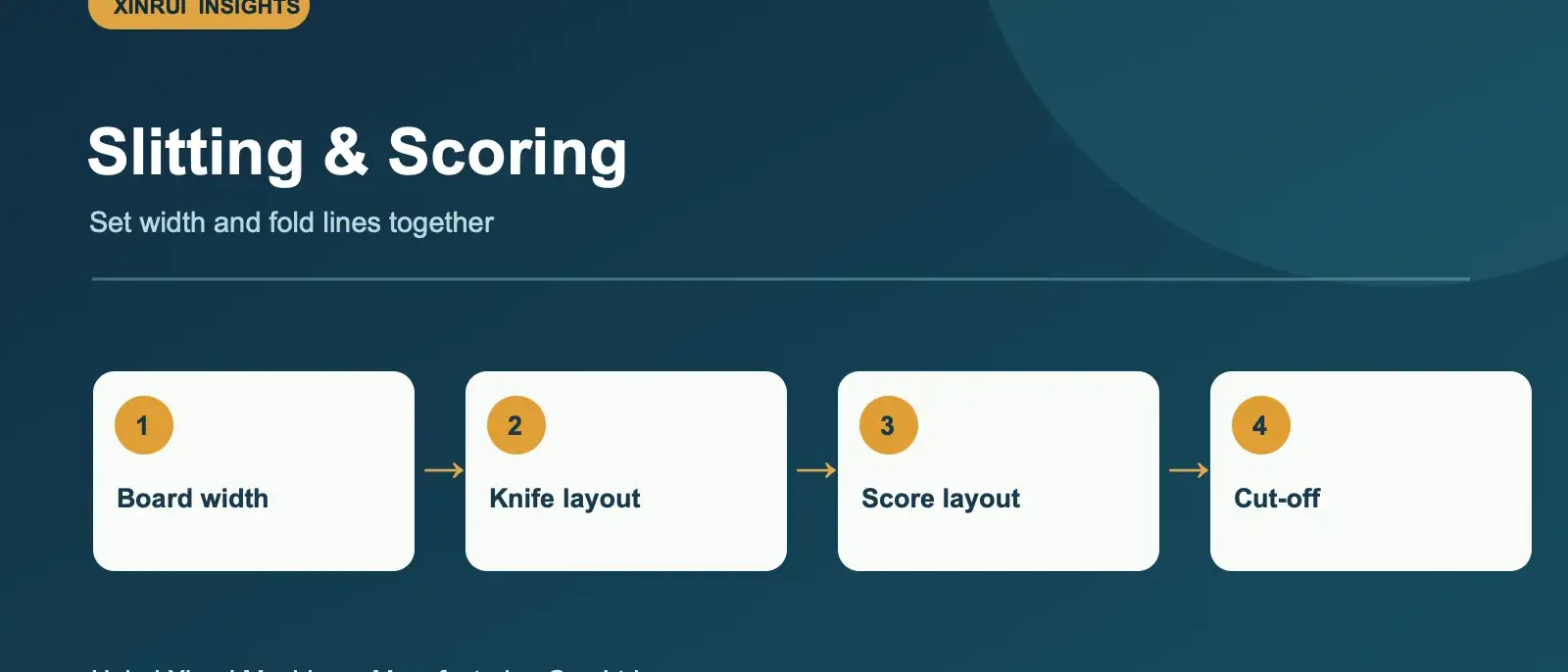
Slitting sets the board width, while scoring creates the fold lines needed by later converting steps. The two settings should be planned from the finished blank drawing. A clear layout helps operators check trim, knife positions and score spacing before production starts.

Work backward from the box drawing
Provide the required blank width and panel dimensions, plus the board flute and thickness. Mark the intended fold direction and the edge that will feed first. From this, develop a width layout showing usable board, trims and score locations. Keep a record of the layout for repeat orders.
Match equipment to the order mix
The XR-SS-2200 slitter scorer is listed with 2200 mm working width, 180 m/min design speed, five knife sets and eight scoring sets. Check that the proposed arrangement covers your most complex blank, including trim positions and scoring needs. Confirm whether a separate cut-off stage is part of the line scope.
Inspect before running at speed
Check a sample sheet for width, score position, edge quality and folding behavior. A damaged edge or poorly located crease can appear later as printing or folding waste. Record the settings that work for each board construction; different flutes and paper grades can behave differently under scoring pressure.
Questions to send with an enquiry
What is the widest board? How many simultaneous slits and scores are needed? What are the shortest and longest order lengths? How often do sizes change? Send two or three blank drawings so the layout can be reviewed against real jobs. Email [email protected].
Category: Printing & Converting
Topics: Slitter Scorer · Quality Control · Capacity Planning