How to Compare Corrugated Line Capacity
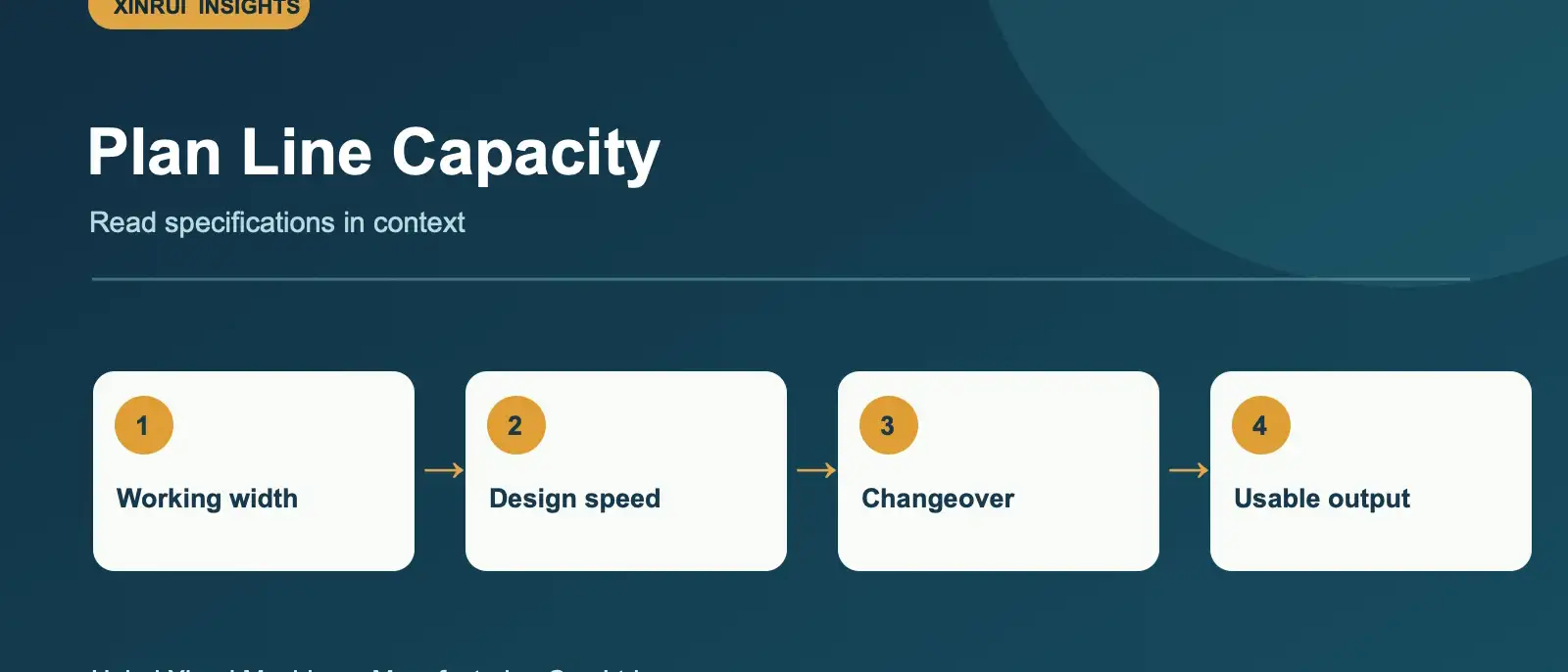
A design-speed figure is helpful for initial screening, but it does not tell you how many saleable sheets your plant will ship. Capacity depends on the board recipe, the sizes ordered and the number of changes during a shift. Use the same operating assumptions when comparing quotations.
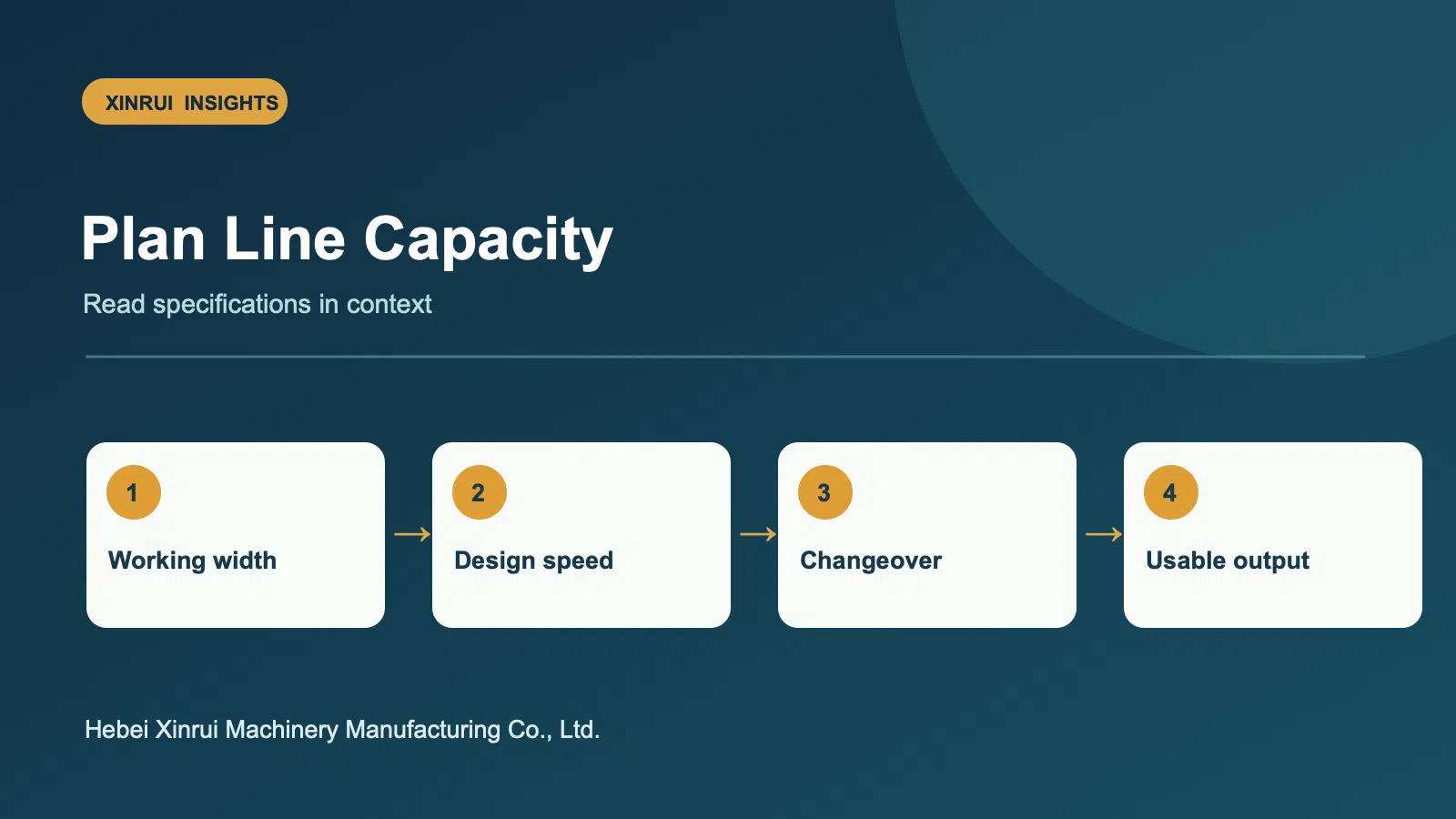
Specify the working width
Provide the widest board you require and the widths most frequently ordered. A wider machine can accommodate large orders, while the usable width on a given job depends on trim, slitting layout and the number of parallel cuts. Ask suppliers to show a sample width layout for your common sheet sizes.
Separate design speed from planning speed
Our XR-CBL-1800 line lists 1800 mm working width and 150 m/min design speed. Treat those as equipment specifications. For planning, ask for a production scenario using your paper grades, 3-ply or 5-ply recipes and changeover schedule. Record the assumed run speed, setup time, waste and shift hours in the quotation comparison.
Check the line as a system
A line only works as fast as its practical bottleneck. Consider preheating and bonding, slitting and scoring arrangements, cut-off changes, stacking and material handling. Short runs may spend a larger share of time on setup than long runs. If you also print and convert boxes, compare the dry-end output with your converting capacity.
Compare on one worksheet
For each proposal, enter working width, board structures, common order sizes, target sheets per shift, utility demand, changeover assumptions and included equipment. Request a layout drawing and a list of exclusions. This makes the comparison more useful than ranking machines on one headline number.
Need a configuration discussion? Email your order mix and target output to [email protected].
Category: Machinery Buying Guides
Topics: Capacity Planning · Corrugated Line · Equipment Selection